

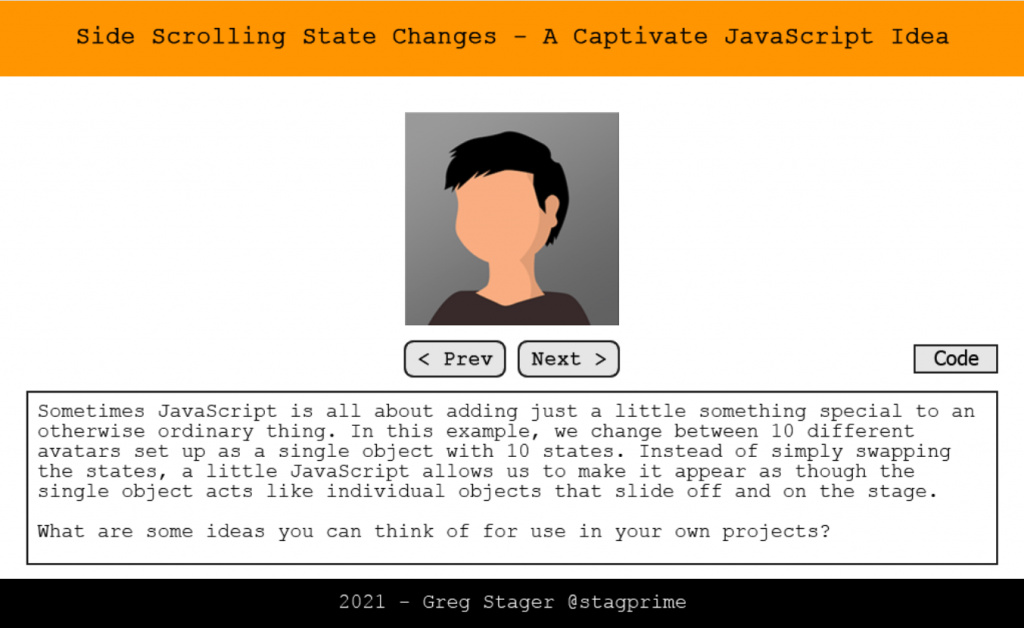
This idea is about taking a somewhat simple and common task – changing states – and adding a little flair.
We have a single object with 10 states along with a Previous and Next button. Now – we could just put a single action to go to the next and previous states accordingly but that would update the states in place.
The JavaScript idea here animates the object off of the stage – then changes the state and hides it, animates it to the other side while hidden, and then animates the new state onto the stage from the other side.
This gives the effect of separate objects coming and going.
**I originally tied this action to the scroll wheel so that you could scroll a single notch at a time for a new avatar.
**Tons of possibilities! Want a vertical scroller…? Just change the code to say ‘top’ instead of ‘left’.
Feel free to share your thoughts on this idea in the comments below and share some ways this could be used in a project to liven things up.
The post Side Scrolling State Changes – JavaScript Idea Series appeared first on eLearning.
Idea #8 in the JavaScript Idea Series – Side Scrolling State Changes
The post Side Scrolling State Changes – JavaScript Idea Series appeared first on eLearning.Read MoreBlog, eLearning Projects, Tips and Tricks, blog, elearning projects, JavaScript